You open the confirmation email and see a letter missing from your surname. Don't panic: it can usually be fixed. But the sooner you act, the easier and cheaper it is.
How should the name be written?
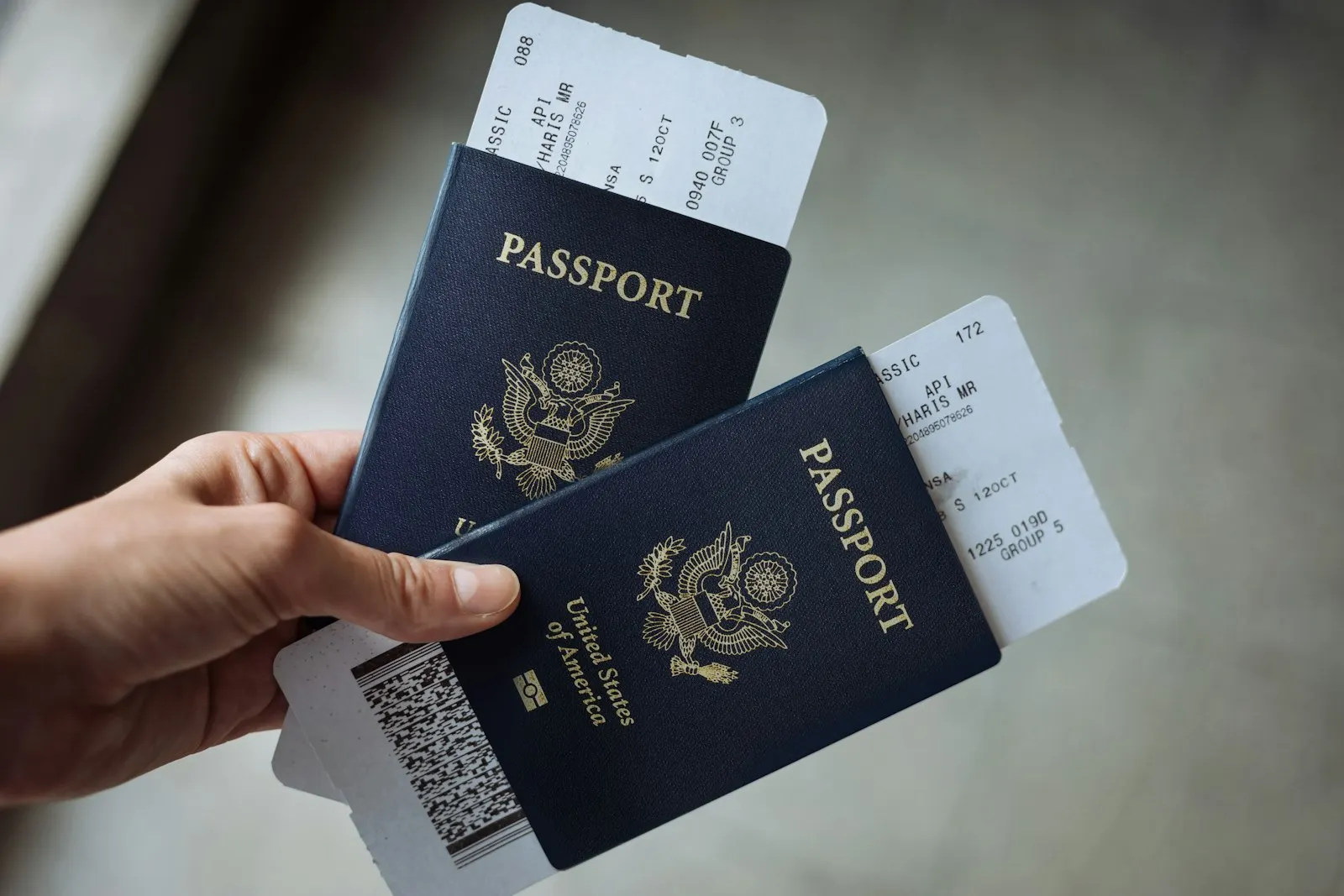
- Exactly as in your international passport, in Latin letters. Use the spelling from the passport's machine-readable line, not your ID card. If the passport says «ALIYEV», the ticket must say «ALIYEV», not «Əliyev» or «Aliev».
- No patronymic needed. First name and surname are enough on international tickets.
- If your surname changed after marriage, use the surname in the passport you'll travel with.
- Children's names are written as in their own documents too.
What can be corrected?
- A one- or two-letter typo (ALIEV → ALIYEV): most airlines fix it, some free, some for a fee.
- First name and surname swapped: usually accepted as a correction.
- A completely different name or another person: tickets are personal and can't be transferred. The ticket is refunded under the fare rules and a new one is bought.
Low-cost airlines often offer name changes as a paid online service. On a connecting trip both airlines need to know, so allow extra time.
How to act
- As soon as you buy, compare the name in the confirmation with your passport.
- If there's a mistake, contact the seller (agency or airline) with your PNR and a photo of your passport.
- After the correction, ask for a new confirmation and check the name again.
- Name errors usually can't be fixed during online check-in, so do it before check-in.
When booking on AviaBazaar, enter the name and surname in the passenger form in Latin letters exactly as in your passport. If you spot a mistake, message our support with your PNR right away. For the steps of buying online: how to buy flights online.