You can buy a flight from home in 10–15 minutes without going to a ticket office. But a small mistake in a rushed booking, such as one wrong letter in a surname or baggage not included in the fare, can cost you later. These steps help you buy cheaply and without problems.
1. Set up the search properly
Choose where you're flying from and to, your dates and the number of passengers. List children and infants separately: their fares are different. If your dates are flexible, look at flights a few days earlier and later too.
2. Don't compare on price alone
The cheapest ticket isn't always the best deal. Check:
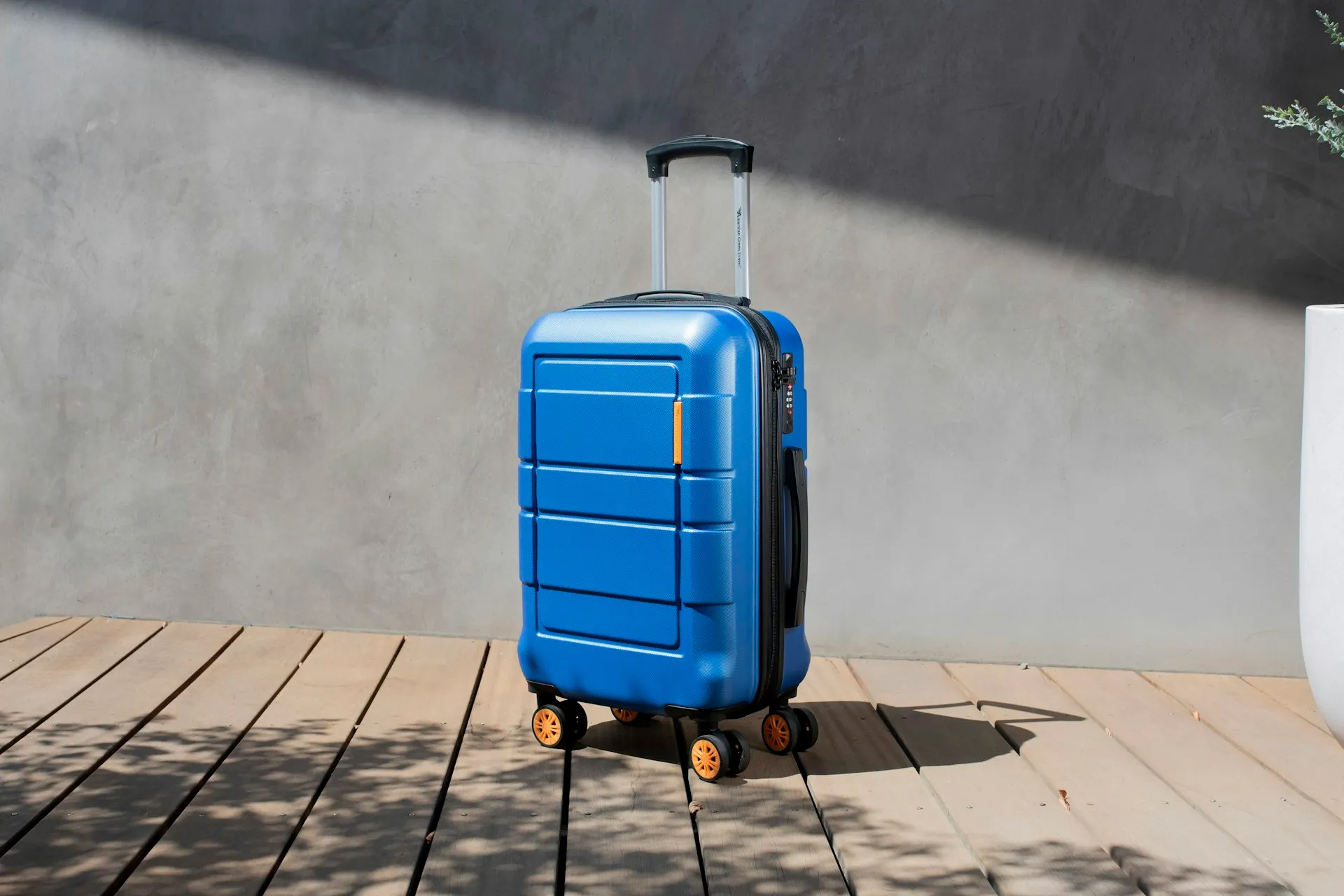
- Baggage: does the fare include a suitcase or just a small bag?
- Connections: is it direct or with a change? Is there enough time to connect?
- Airport: is it the city's main airport or one further away?
- Rules: can the ticket be refunded or the date changed?
3. Enter passenger details exactly as in the passport
First and last names must be in Latin letters, exactly as in the passport. One letter off can cause problems at check-in, and changing a ticket isn't always free. Make sure your email and phone are correct: the ticket and any flight changes will go there.
4. Pay securely
Enter card details only on the bank's payment page and check for https in the address bar. The bank commission and service fee should be shown separately before you pay. On AviaBazaar you can pay in full or in installments.
5. Check your ticket
After payment, your e-ticket and a 6-character booking code (PNR) arrive by email. On the airline's website, enter the PNR and your surname under "Manage booking" to see the flight. That's the simplest way to confirm the ticket is really registered with the airline, and online check-in is usually done there too.
How to tell a reliable website
- The company name, phone number and terms of service are clearly shown.
- What the price includes is visible before you pay.
- Payment goes through a bank page; the site itself doesn't ask for your card details.
- You get a PNR with your ticket and can check it on the airline's website.
To find a cheaper ticket, see 12 ways to find cheap flights, and for baggage, our hand luggage and baggage rules. You can compare flights on AviaBazaar now.